App
Playing Lucky Ace on a Phone Without a Game App
Lucky Ace PH editorial deskPublished Updated
The Lucky Ace app is not a PlayStar download: PlayStar publishes no standalone app, and its HTML5 slot opens in a mobile browser or platform app. The PlayStar game uses a 6x4 card grid; a platform holds the player account and cashier. This guide covers phone access, APK claims and our demo test for adults in the Philippines.
In this guide: 5 sections
Does PlayStar offer a standalone Lucky Ace app?
No: PlayStar publishes no standalone app; its HTML5 slot opens in a browser or platform app.
The PlayStar game card
The PlayStar game card names the title Lucky ACE, lists PlayStar (PS), and gives game ID PSS-ON-00149. It classifies the game as SLOT and Connection; the 6x4 grid has six reels and four rows. The card lists HTML5, so the PlayStar slot and game card details describe a game that runs in a browser or platform app.
PAGCOR’s PlayStar list of 19 May 2026 includes this game ID among approved electronic games, but the list does not approve every website that shows it. The platform holds the account and cashier; the PS title remains the PlayStar game.
Demo and platform are separate
The free Lucky Ace demo with 10,000 credits opens after a click, and its credits have no cash value. Lucky Ace Club is a separate mobile gaming platform name, not the PlayStar slot; what Lucky Ace Club is and is not explains that distinction.
How do I play on Android or iPhone?
Use a mobile browser or platform app if that platform offers access to its game lobby.
Browser and account steps
- Open the platform’s mobile site in a browser, or open its app if it offers one.
- Tap Sign up to create an account, or Log in to access an existing account.
- Search the lobby for Lucky Ace, then choose PlayStar (PS) as the provider filter.
- Open the listed game; use the platform account for login and cashier access.
A platform account opens with a mobile number starting +63 or an email and password; many platforms send an SMS one-time code. The platform’s Forgot password option resets account access, and its Lucky Ace login and account steps explain that flow.
Home-screen shortcut
If a mobile browser offers Add to Home Screen, the shortcut saves the platform page rather than installing a PlayStar app. The platform still holds the account and cashier, as described in where Lucky Ace casino play happens.
Is the platform app different from the browser?
Both routes can open the slot if the platform lists it; its app belongs to the platform, not PlayStar.
Phone access compared
| Platform app | Mobile browser |
|---|---|
| The app may open the 6x4 HTML5 game from its lobby. | The browser may open the same game from the platform lobby. |
| The platform handles the account and cashier. | The platform handles the account and cashier. |
| The app is the platform’s software, not a PlayStar release. | The browser opens the platform page, not a PlayStar installation. |
The platform’s promotion page shows its current offer, and its cashier handles deposits and withdrawals. Payment methods depend on the platform; withdrawals go to an account in the player’s own name after ID and selfie checks. Bonus funds must finish wagering before withdrawal.
Are Lucky Ace APK files, mods or hacks genuine?
Lucky Ace APK files do not come from PlayStar: the publisher offers an HTML5 slot, not a standalone installation.
PlayStar files and platform apps
A Lucky Ace download does not install the PS title; the game runs through a browser or a platform app. The Lucky Ace slot app does not exist as a PlayStar release, and a platform app remains that platform’s software.
Files labelled as mods or hacks from file sites or Telegram do not come from PlayStar. The platform lobby provides access when it lists the game. Lucky Ace Club names a separate mobile gaming platform, not this PlayStar game.
What did our phone test show?
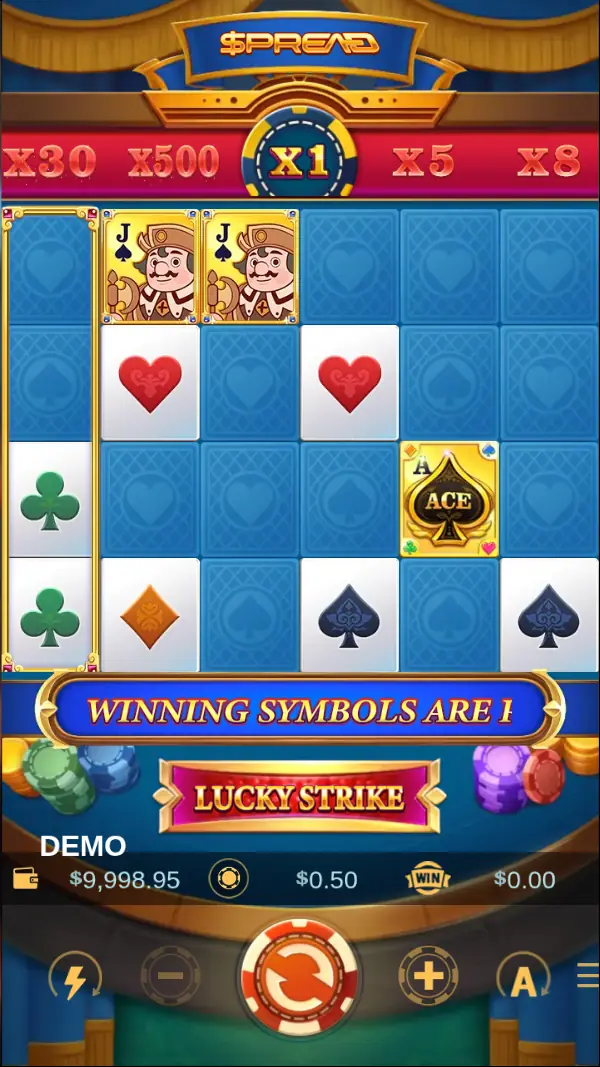
10 spins at a 0.50 bet ended at 9,996.95 demo credits in our test on 5 November 2026.
Phone controls and demo result
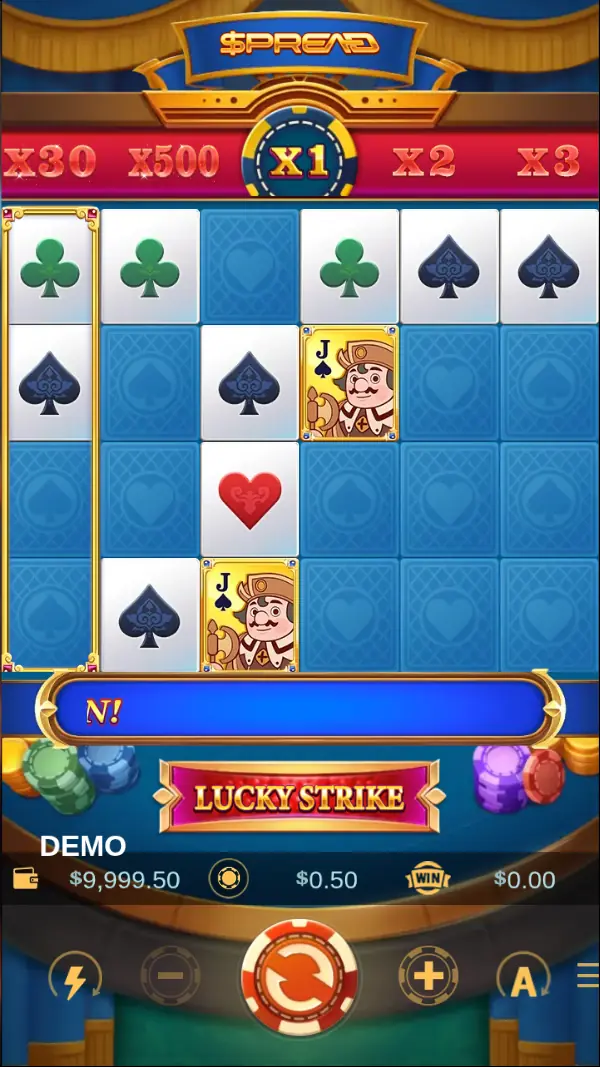
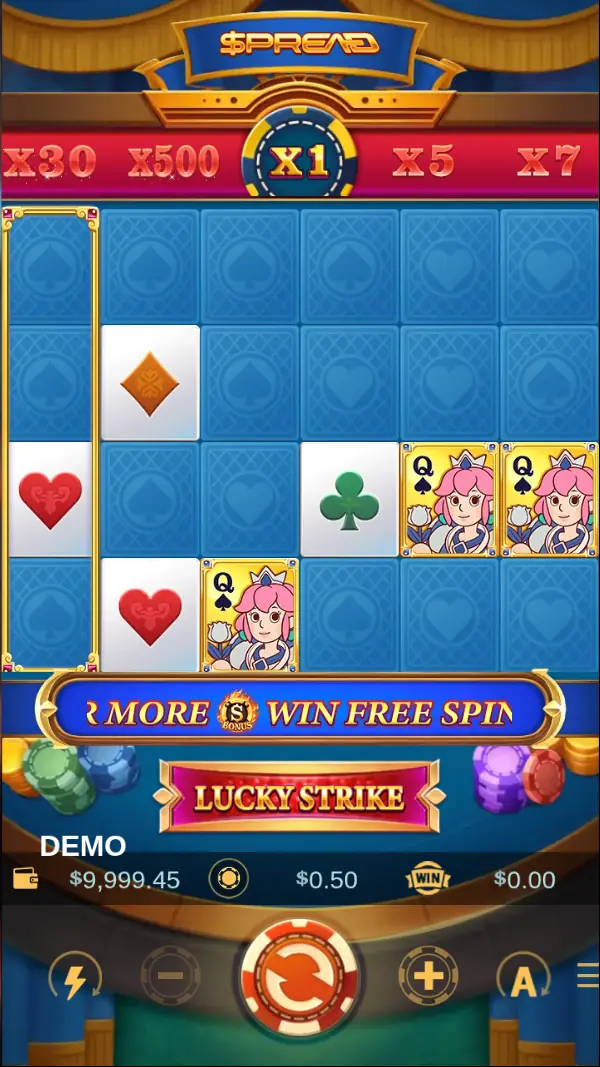
Our demo test opened with a START screen saying Aces in your pocket already, followed by a How to Win pop-up with No more display. The DEMO label showed a starting balance of 10,000.00 demo credits and a default bet of 0.50; those credits have no cash value.
The round Spin chip sat in the centre, while minus and plus changed the bet size. The lightning control enabled turbo, A opened auto spin, and the menu held Home, Sound, Info (i) and Close. LUCKY STRIKE sat above the balance, bet and WIN meters.
Our test recorded TOTAL WIN 1.67 on an 8 SPREAD round with x2, and TOTAL WIN 0.28 on a 4 SPREAD round with x2. Three BONUS symbols landed on one spin without starting Free Spins because four symbols are needed.
In the Philippines, PAGCOR licenses online gaming platforms, and its rules allow real-money play only from age 21.
App questions
Is there a standalone Lucky Ace app for Android or iPhone?
No. PlayStar publishes no standalone app; the HTML5 slot opens in a mobile browser or inside a platform’s own app when offered.
Is a Lucky Ace apk from a file site genuine?
No. A lucky ace apk from a file site or Telegram does not come from PlayStar, which publishes the game as an HTML5 slot.
How does a Lucky Ace game download work on a phone?
A lucky ace game download is not a PlayStar installation; open the platform lobby in a browser or its app to access the listed game.
Does a Lucky Ace slot download install the game?
No. A lucky ace slot download does not install a standalone PlayStar game; its HTML5 slot runs in a browser or platform app.
Is there a Lucky Ace login app?
No. A lucky ace login app is not a PlayStar release; use the platform account in its browser or app, with Forgot password for access resets.